Keep hours current
Set weekly opening hours, mark closed days, or refresh hours from a linked Google listing. Help visitors plan their stop.
StallPass for businesses
Give nearby visitors the details they need. The Business Hub helps you manage your listings and see how people discover them.
Built for owners and authorized managers of cafés, shops, venues, and other restroom locations.
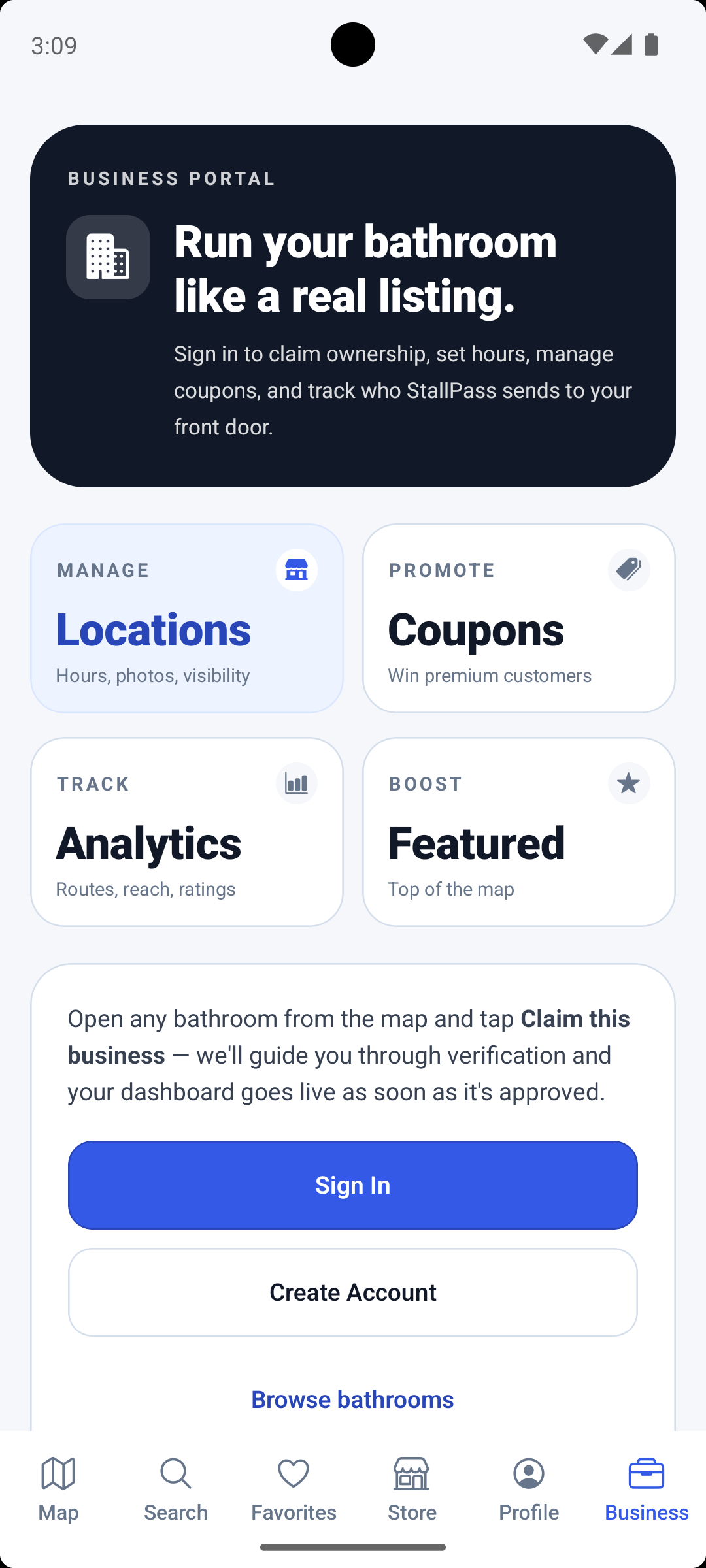
Use the app and web hub to manage approved locations and check activity across your listings.
Set weekly opening hours, mark closed days, or refresh hours from a linked Google listing. Help visitors plan their stop.
Review your saved address and map pin. Set whether your location appears on the free map, through Premium access, or both.
Use the web Business Hub to update access codes and note key requirements, customer-only access, or help from staff.
Add a discount, free item, or custom perk. Set an expiry, limit redemptions, and choose whether an offer is for everyone or Premium members.
Review views, route starts, saves, cleanliness ratings, and open issues. Visit figures reflect activity recorded through StallPass.
Ask to promote a location on the map and follow its status in the hub. Featured placements are reviewed before activation.
Getting started
You will need a StallPass account and permission to manage the business.
Sign in to the app, find your location on the map or in search, and open its listing.
Tap Claim this business. Add your business name and contact details, plus any supporting information.
Follow the review in your claim history. Once approved, your location appears in the Business Hub.
Need a hand? Email business support
Yes. Your approved locations appear together in the hub. Open each one to manage its settings and review its activity.
Yes. Sign in to the web Business Hub with your StallPass account to manage your listings from a browser.
You choose your location's map visibility and whether a coupon is Premium-only. Your business's opening hours and entry rules still apply.
Check your claim history in the app for its status. If a claim is declined, check your details and resubmit with supporting ownership information.